From zero to your first request.
Try it on your own machine with demo data, or set up a production host. You can switch paths at any time.
You need
- .NET SDK 10.0.401
- Aspire 13.6
- Docker 28+
- Node 24.15+
Step 1: Install the admin UI packages
Clone the repository, then install the UI dependencies once.
git clone https://github.com/thekim1/llmgateway.git Set-Location llmgateway\src\admin-ui npm ci Set-Location ..\..Step 2: Start the stack
Aspire starts Postgres, Redis, Keycloak, the fake LLM, the gateway and the admin UI. Demo data is on by default.
.\scripts\Start-Dev.ps1 # with demo data .\scripts\Start-Dev.ps1 -Empty # empty database, only login usersPrefer Visual Studio? Open UmeLlmGateway.slnx, set Ume.LlmGateway.AppHost as the startup project and press F5.
Step 3: Sign in and create a key
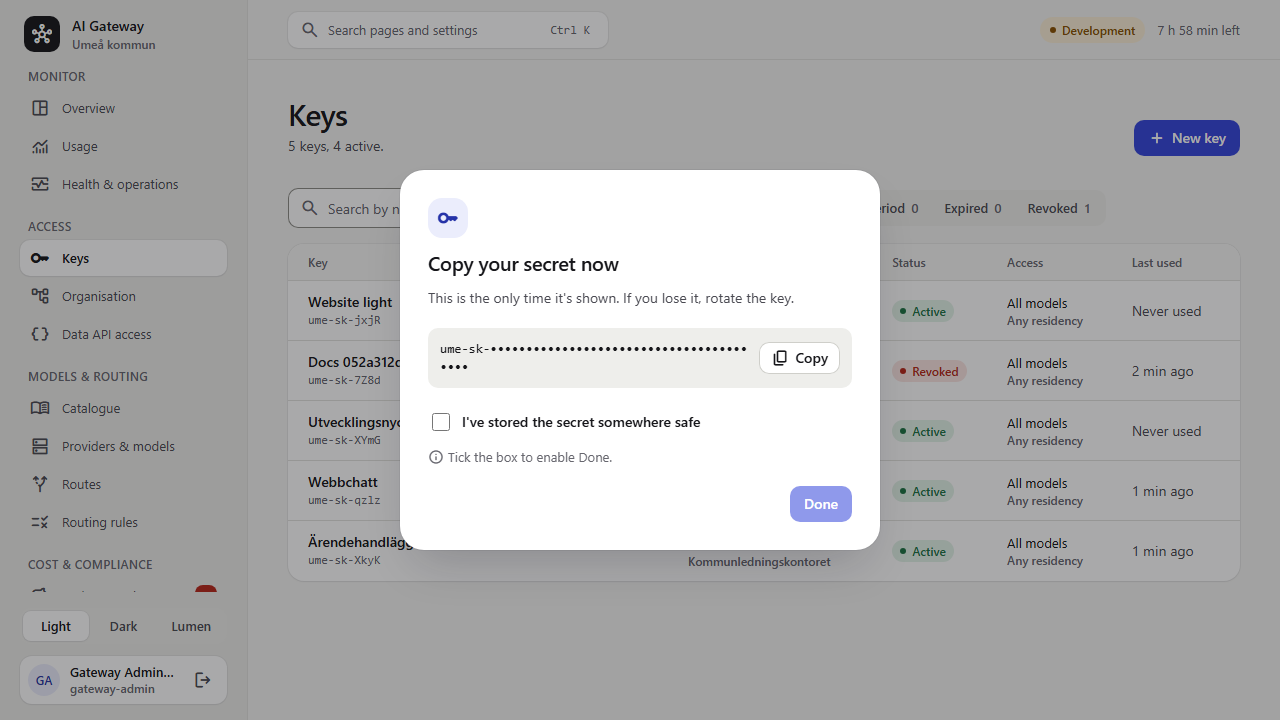
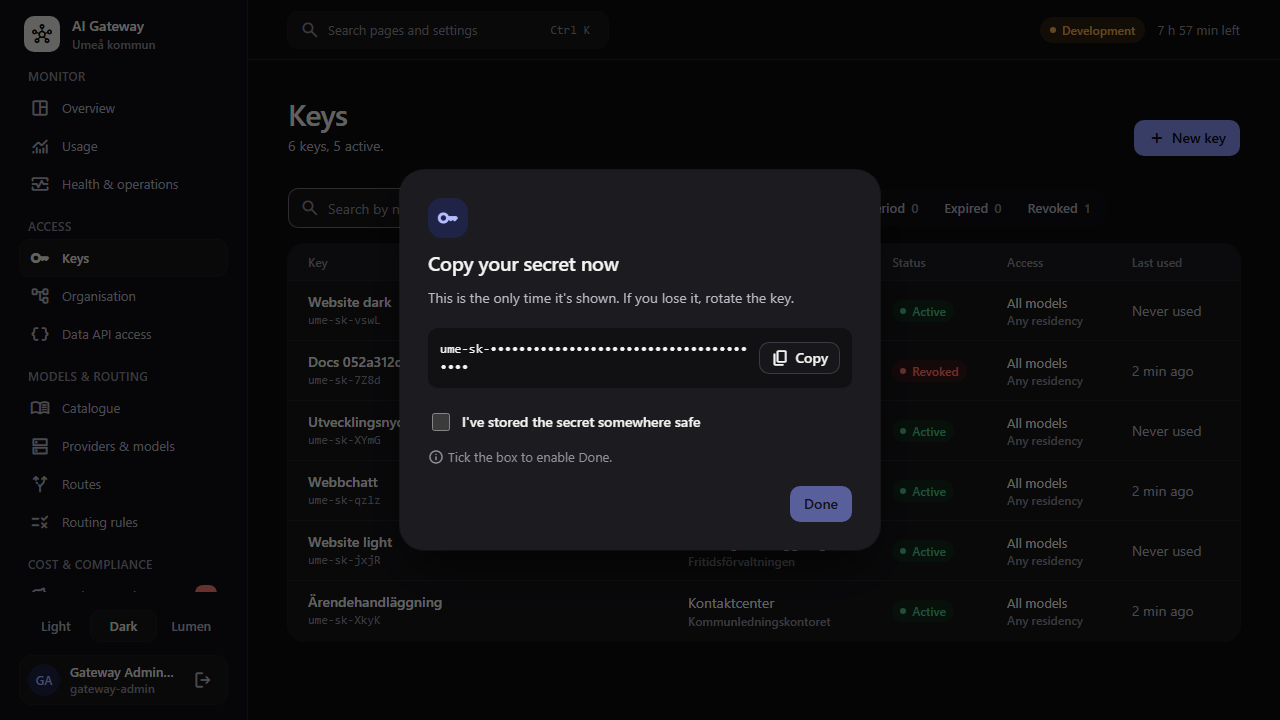
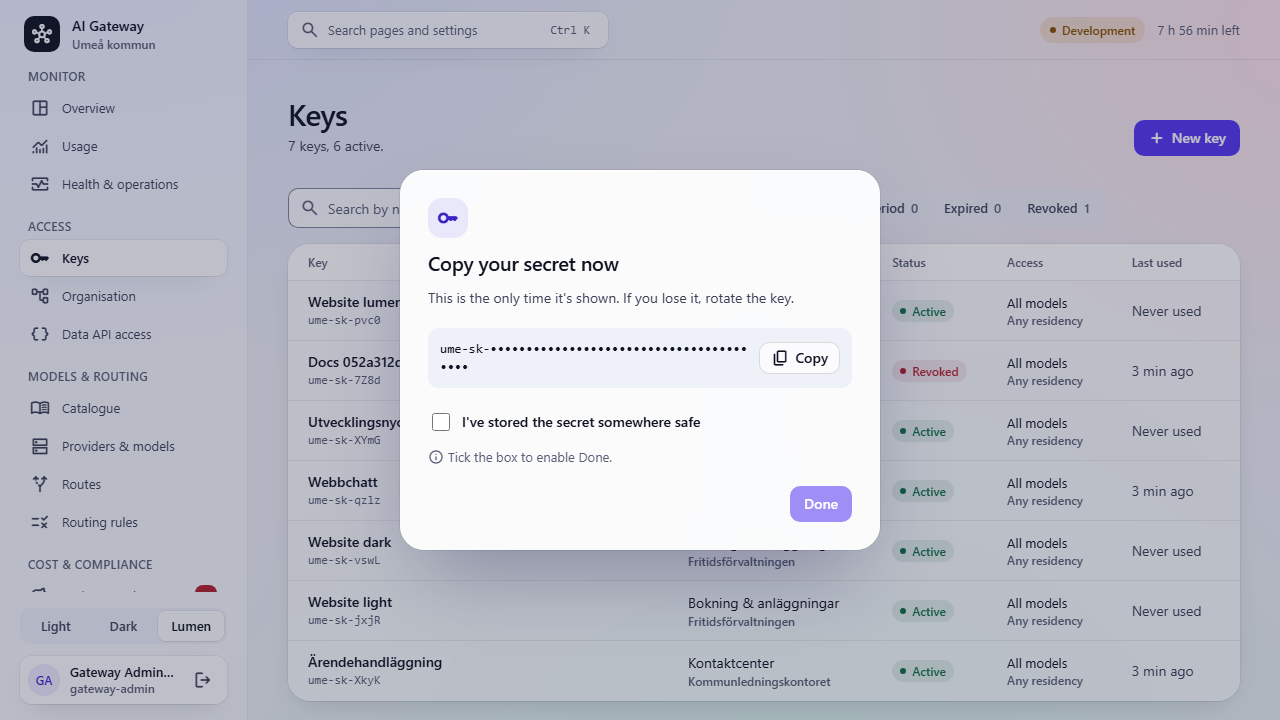
Open https://localhost:5173 and sign in as the gateway-admin test user (the password is the dev-user-password secret in the AppHost user secrets). Under Keys, choose New key. The secret is shown once, so copy it now.
Step 4: Send your first request
Use the key with any OpenAI-compatible client. The fake LLM answers instantly.
curl https://localhost:7212/v1/chat/completions \
  -H "Authorization: Bearer $UME_API_KEY" \
  -H "Content-Type: application/json" \
  -d '{"model":"ume/chat-standard","messages":[{"role":"user","content":"Hej"}]}'
You need
- Linux + Docker 28+
- Compose v2.24+
- 2 vCPU, 4 GB RAM
- An OIDC client
- Two hostnames
Step 1: Download a release
Each release bundle has Compose files that point at its images on GHCR, pinned by digest.
curl -fsSLO https://github.com/thekim1/llmgateway/releases/download/vX.Y.Z/ume-llm-gateway-X.Y.Z.tar.gz tar -xzf ume-llm-gateway-X.Y.Z.tar.gz && cd ume-llm-gateway-X.Y.ZStep 2: Generate secrets and certificates
The script asks for your OIDC authority and public hostnames, then creates an internal CA, certificates, passwords, the key pepper and deploy/.env. It is safe to re-run.
./deploy/init-deployment.sh # behind nginx, NPM or F5: --proxy # with your own PKI: --gateway-cert … --admin-cert …Back up deploy/secrets/.pepper and deploy/certs/data-protection.pfx separately from database dumps. Losing the pepper invalidates every key.
Step 3: Start it
The production file is hardened: read-only, non-root, on an internal data network. It never seeds data and never runs Keycloak or the fake LLM.
docker compose -f deploy/compose.prod.yaml --env-file deploy/.env up -d --waitStep 4: Connect your identity provider and providers
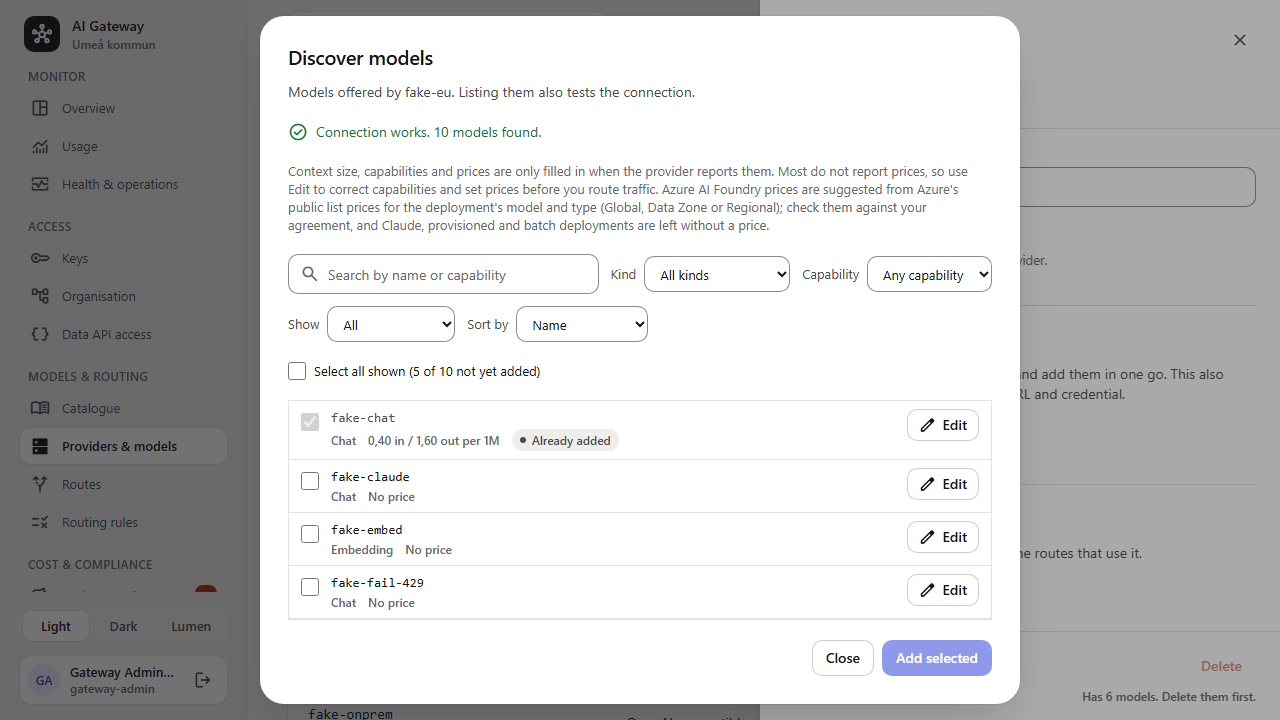
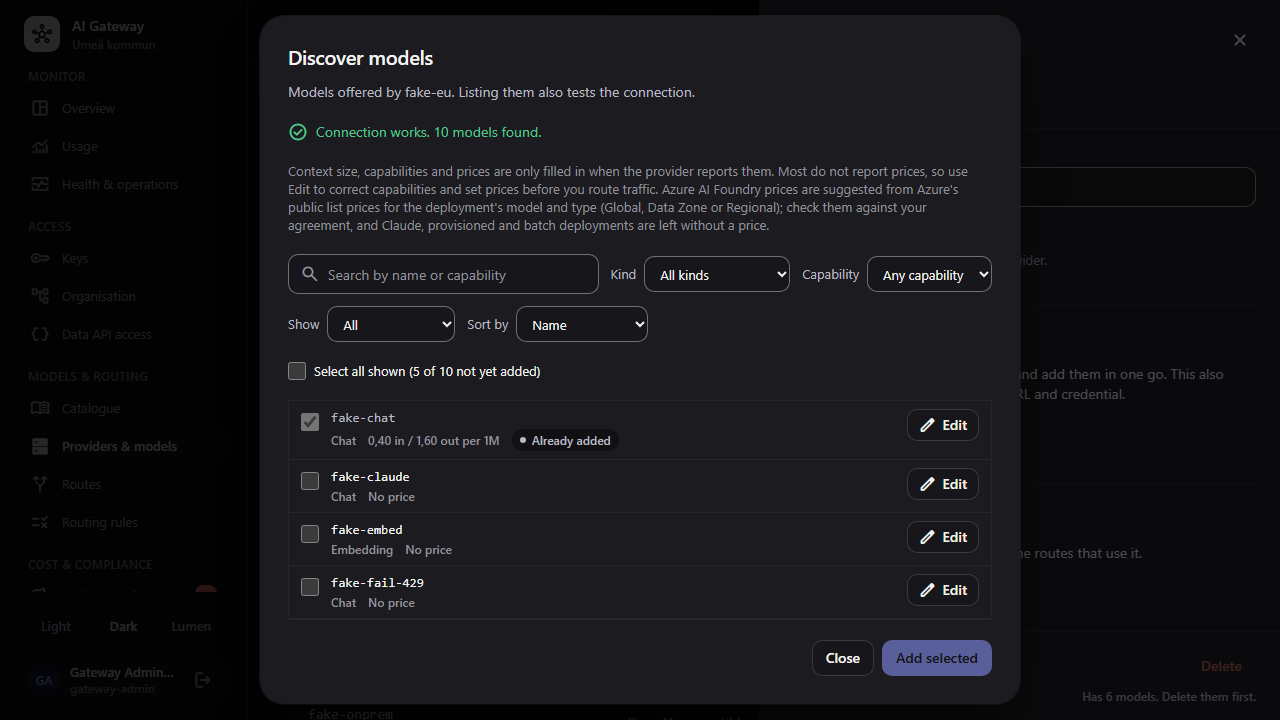
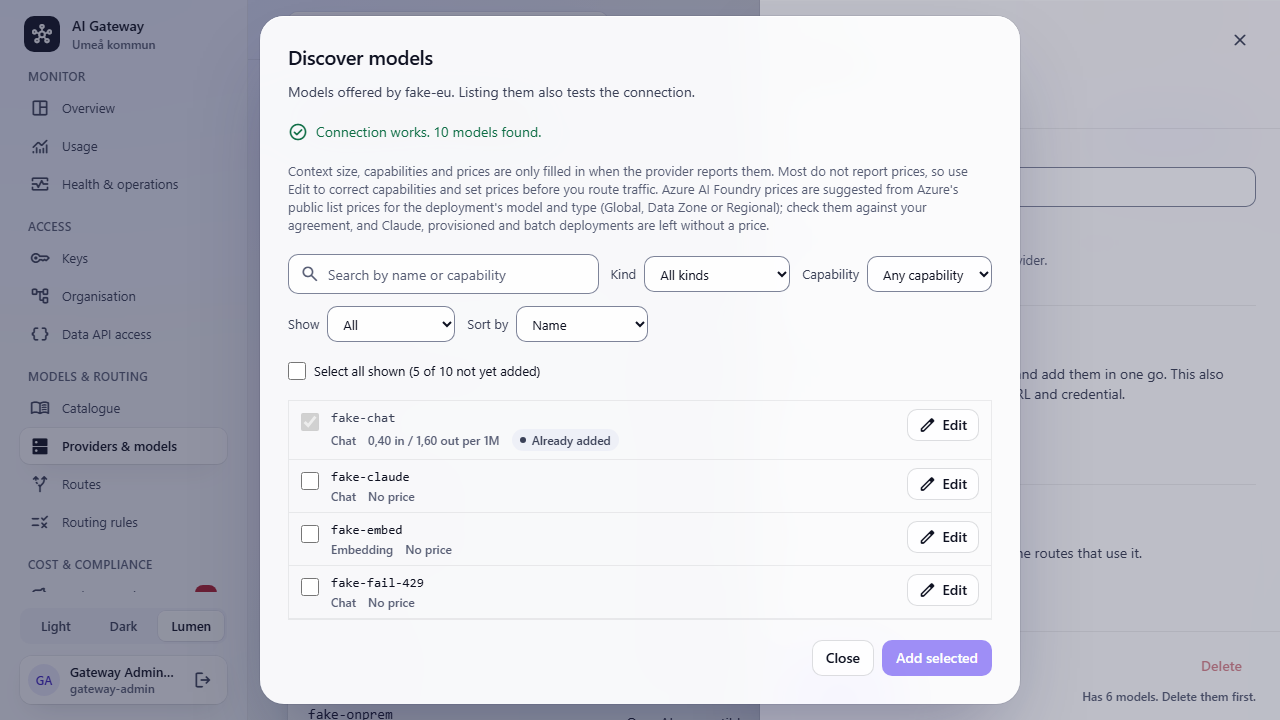
Point UME_OIDC_AUTHORITY at your Keycloak, AD FS or Entra ID. Roles, department codes and AD groups are mapped from claims. Then add providers under Providers & models and use Discover models.
Connect an application
Applications need two things from an administrator: a key from their team and the gateway's base URL (https://<gateway>/v1). Read the key from an environment variable such as UME_API_KEY; never store it in code. Ask for an alias from the admin UI's Catalogue, such as ume/chat-standard, rather than a vendor model. The gateway publishes its OpenAPI document at /openapi/v1.json and an API reference at /scalar.
Prompts and responses are never saved by the gateway. Don't send confidential information to external providers without an approved assessment.
Common errors
Errors use the OpenAI error shape with a stable code. To investigate a failed call, find it by request ID under Monitor › Usage › Requests and costs in the admin UI.
| Code | Meaning |
|---|---|
invalid_api_key | The key is missing or unknown. |
key_expired | The key has passed its expiry date. |
key_revoked | The key was revoked, or its rotation grace period ended. |
key_disabled | The key, its team or its department is disabled. |
address_not_allowed | The key may not be used from this client address. |
model_not_allowed | The key may not use this model or alias. |
model_not_found | No alias or model has this name. |
model_ambiguous | Several providers have a model with this name; use provider/model or an alias. |
budget_exceeded | A key, team or department budget has run out. |
rate_limited | Too many requests or tokens per minute for this key. |
pii_blocked | Personal data was found and the key's PII policy is Block. |
attachment_not_allowed | The key's Attached files setting does not allow this kind of file. |
request_too_large | The body is larger than the gateway accepts. |
no_eligible_provider | No provider is allowed for this key, residency and model. |
all_providers_failed | Every provider and fallback failed or timed out. |
invalid_request | The request body is not valid for this endpoint. |
Terms
- Key
- A secret that identifies an application and controls its access, limits and budget.
- Alias
- A model name such as ume/chat-standard that the gateway maps to one or more provider models.
- Fallback
- The next provider tried when a call fails before the response starts.
- Budget
- The most an owner may spend during a calendar period.
- Residency
- Where a provider runs: on-prem, EU or external. A key lists the residencies it may use.
- Routing rule
- A condition on the request, such as a header or how much of the budget is left, that sends it to a different model. The x-ume-rule response header shows which rule applied.